Writing the RPO
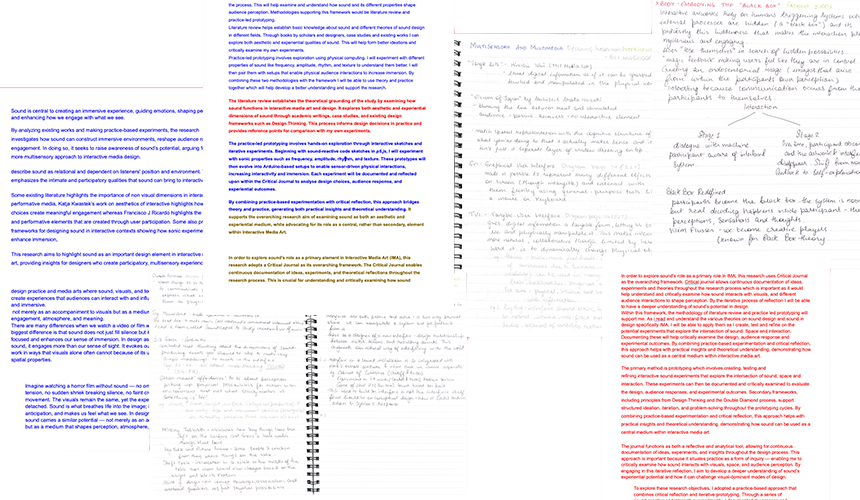
This week I re-wrote my entire RPO from scratch based on all the feedback and learning I had last few weeks. It was hard and confusing to
kind of write it all again but having a clearer structure helped me a lot. I often make notes when I am reading ands like to color them and categorize so
it was easier to write the findings in my RPO.
Experiment 3 contd....
Version 2:In this version I expanded the alphabet sequencer into something that could store words instead of only
playing individual letters. I added a system where every time I typed a sequence of letters, the sketch
recorded not just the notes but also the timing between them. When I pressed Shift + Enter, the whole word
was saved into a small “library”, almost like collecting sound-objects. I could then list the saved words and
see which ones I had made. This made the experiment feel more structured because I was no longer just typing
randomly. I had to think about the spacing, the speed, and when a word should end, since all of it affected how it sounded.
-
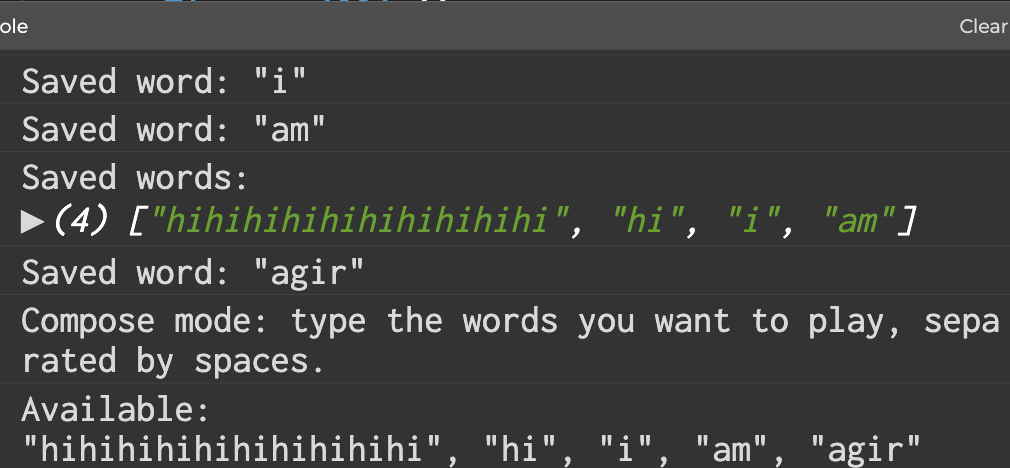
The console being able to remember the words. -
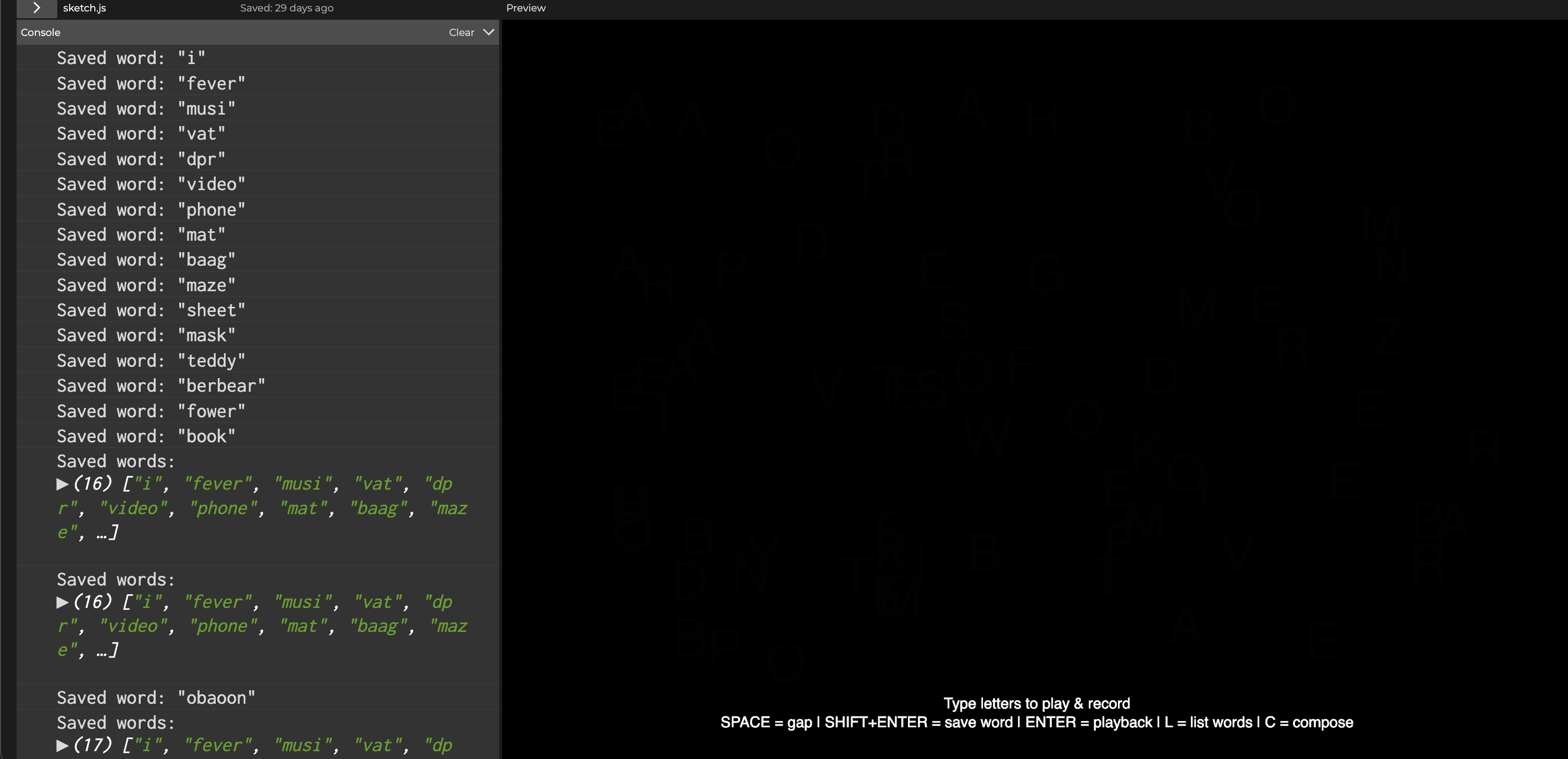
Interface with the instructions and the Listed words available. -
The video shows the experiment version. How we can save the words and then type them again to compose it -
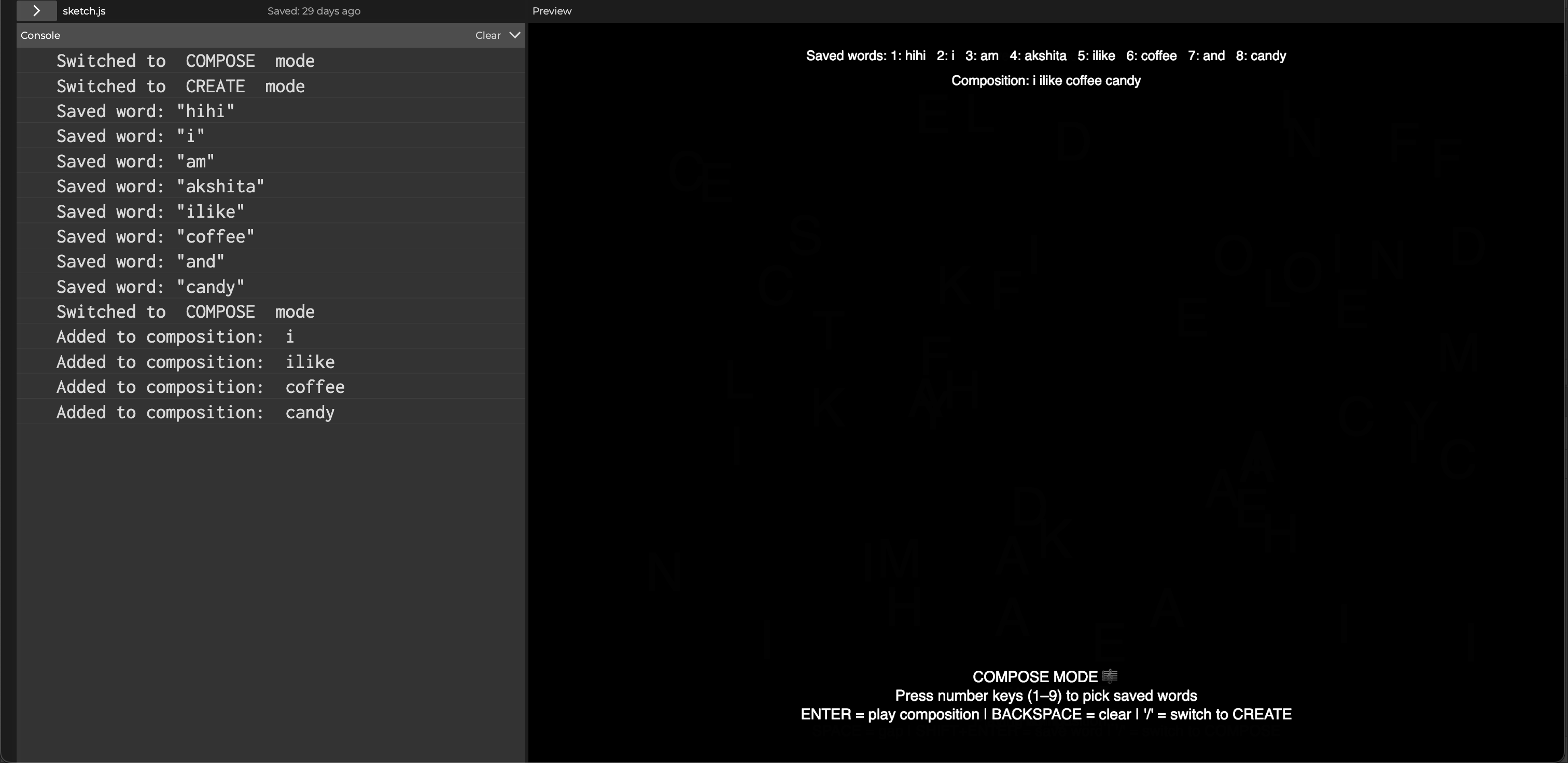
Being able to switch between modes and compose actual tunes using numbers -
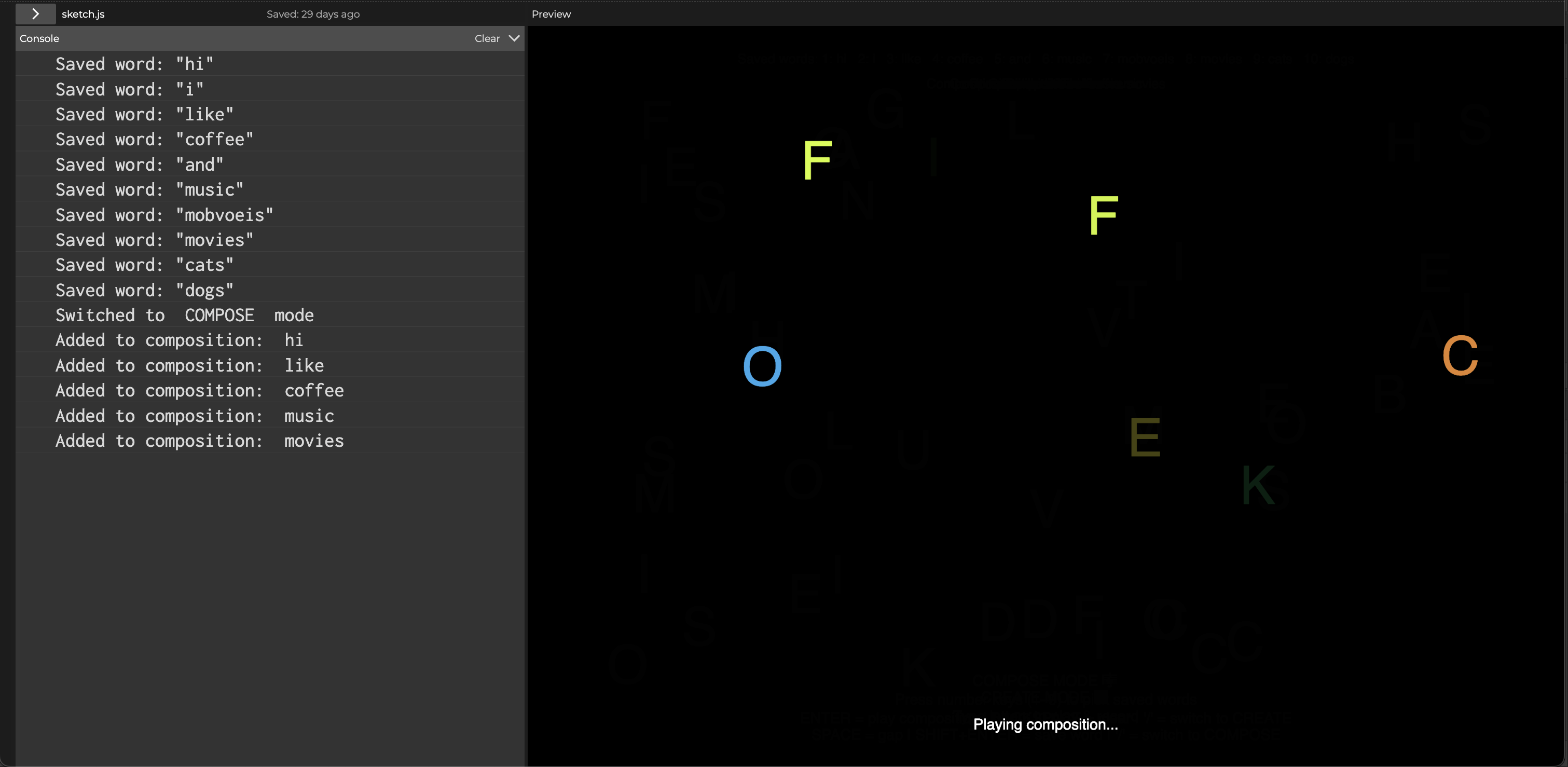
The system playing composed music -
The video shows the final experiment version
Once I could save words, the interaction changed. Each word began to feel like a small sound identity with its own rhythm and pacing. Typing slowly made the word sound stretched, while typing fast made it sound punchy. It helped me see how sound can capture something about the way a word is typed, not just what letters it contains. It also made me more aware of timing and how much that influences behaviour. This version still felt simple, but it already pushed me towards thinking of sound in terms of patterns rather than single events. I do realise that having to type the words again defeated the purpose and also the C and L keys were not working but being able to save the word was good progress.
Version 3:
For this version I took the idea further and turned the sketch into a create-and-compose system with proper modes. There is now a Create Mode where I can type letters, record them, and save words into the library just like Version 2. But the new part is Compose Mode. When I switch modes using the slash key, the interface changes and I can pick saved words using number keys to build a longer composition. It shows me which words are stored, and also displays the sequence I am building. Pressing Enter plays the full composition by merging all the word-sequences into one long track. It felt like moving from small experiments to something more tool-like.
This version changed the way I interacted with the sketch because it added decision making. Instead of typing one thing at a time, I was choosing from sound-words I had made earlier and arranging them in order. The sketch behaved almost like a very tiny Digital Audio Workstation where the building blocks were words instead of notes. It made the idea of alphabet sound even more interesting because now each word carried its own sonic character, and arranging them created a structure. This helped me think about sound more in terms of building, combining and organising, not just triggering. It also made me realise how simple systems can start feeling like instruments when small layers of control are added.